Kweza Invoice
Fast, verifiable invoicing for business everywhere
Create QR-checked invoices and quotations, charge the VAT you set, and track every payment.
In the wild
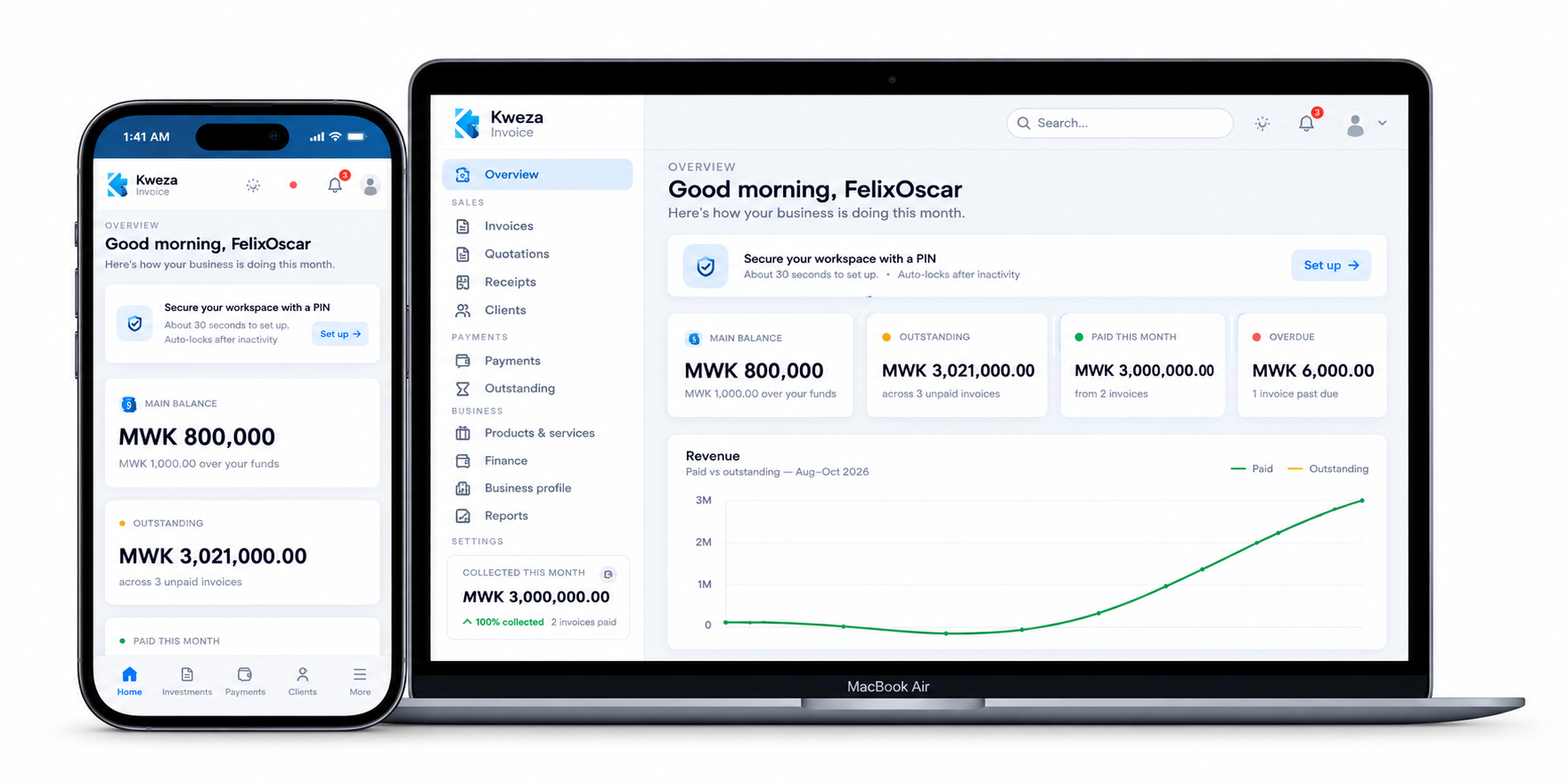
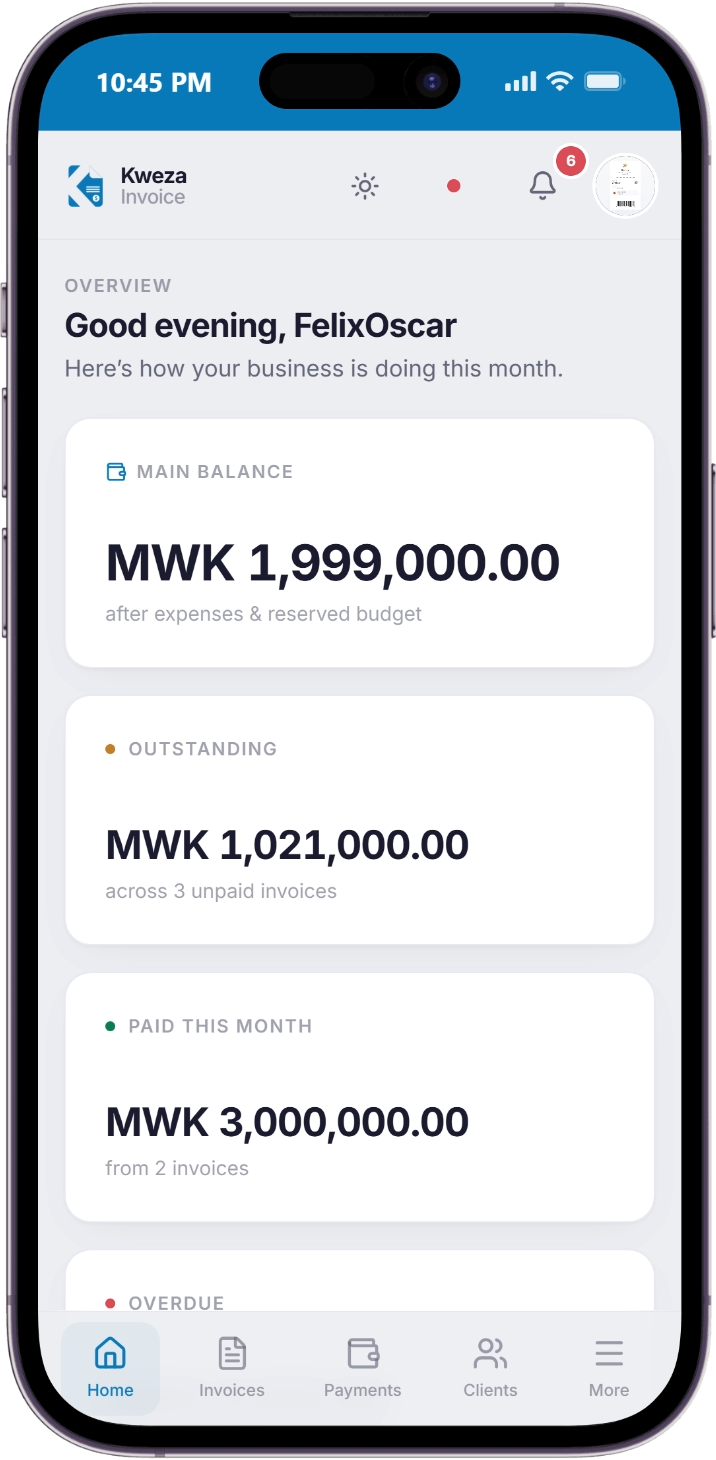
On the devices you already use
The same Kweza workspace on your laptop, tablet and the phone in your pocket.
Modules
Everything Kweza does
Dashboard
See outstanding, paid and overdue totals at a glance.
Invoices
Create and send bank-ready, QR-verifiable invoices in seconds.
Quotations
Send professional price quotes and turn an accepted quote into an invoice in one tap.
Clients
Keep a tidy book of everyone you bill.
Payments
Record bank, mobile money or cash payments and track instalments to zero.
Services
Keep a ready price list so your invoices and quotations fill themselves in.
Expenses
Log what your business spends and see true profit in Reports.
Team
Invite staff and teammates to work from the same account.
Reports
See sales, VAT and customer insights without any spreadsheets.
Verifications
Anyone can scan a QR code to confirm a document is genuine.
Settings
Set business details, VAT number, currency and payment instructions once.
Install
Install in under a minute
Kweza Invoice is a progressive web app, so no app store is required. Add it to your home screen and it behaves just like an installed app.
On Android
- 01Get the Kweza app on your Android phone
- 02Tap “Install” and open it from your home screen
- 03Sign in and create your first invoice
On iPhone & iPad
- 01Open the app in Safari
- 02Tap the Share button, then "Add to Home Screen"
- 03Launch Kweza from your home screen like any app